9 Best AI Tools for Startups in 2026
9 Best AI Tools for Startups in 2026: 1. Activepieces 2. Canva AI 3. Upmetrics 4. ChatGPT 5. Grammarly 6. HubSpot AI 7. Front 8. Runway ML 9. Notion AI

September 16, 202519 min read @ashrafsam
Launching a startup is never easy. You’ve got limited time, tight budgets, and a team that wears ten hats at once.
For those reasons, you need automation for startups to keep tasks up to date, run your marketing efforts, manage sales, and even handle customer service with less stress.
This article will show the top AI tools for startups that can speed up daily work and build a path toward rapid growth.
Get started with Activepieces for free and watch your startup grow faster!
TL;DR
These are the top nine AI tools for startups:
- Activepieces
- Canva AI
- Upmetrics
- ChatGPT
- Grammarly
- HubSpot AI
- Front
- Runway ML
- Notion AI
Everything below works on Activepieces' free plan. Start without code or a credit card.
Why Startups Need AI-Powered Tools in 2026
Startups in 2026 face tight budgets and big goals. AI-powered platforms take on repetitive tasks so you can focus on real growth. You also save money because automation cuts manual work and keeps workflows cost-effective.
With AI-powered search, you pull numbers from business systems in seconds and spot market trends before your competitors. Teams that analyze customer feedback turn raw notes into patterns that guide product, pricing, and support.
These signals provide valuable insights without hiring a large data team.
Marketing further reaches target audiences from multiple platforms and improves your return on ad spend (ROAS) with sharper targeting and offers. Your content team moves faster with writing tools, while support teams keep conversations on track.
A Duke University study found that marketers leveraging artificial intelligence (AI) technologies experienced a 7% boost in customer satisfaction. You gain a competitive edge by utilizing AI for ops, sales, and marketing.
9 Best AI Tools for Startup Growth
Below, you’ll find nine trusted tools for startups that cover automation, design, planning, writing, and customer support.
1. Activepieces: The AI-Native Automation and Integration Powerhouse
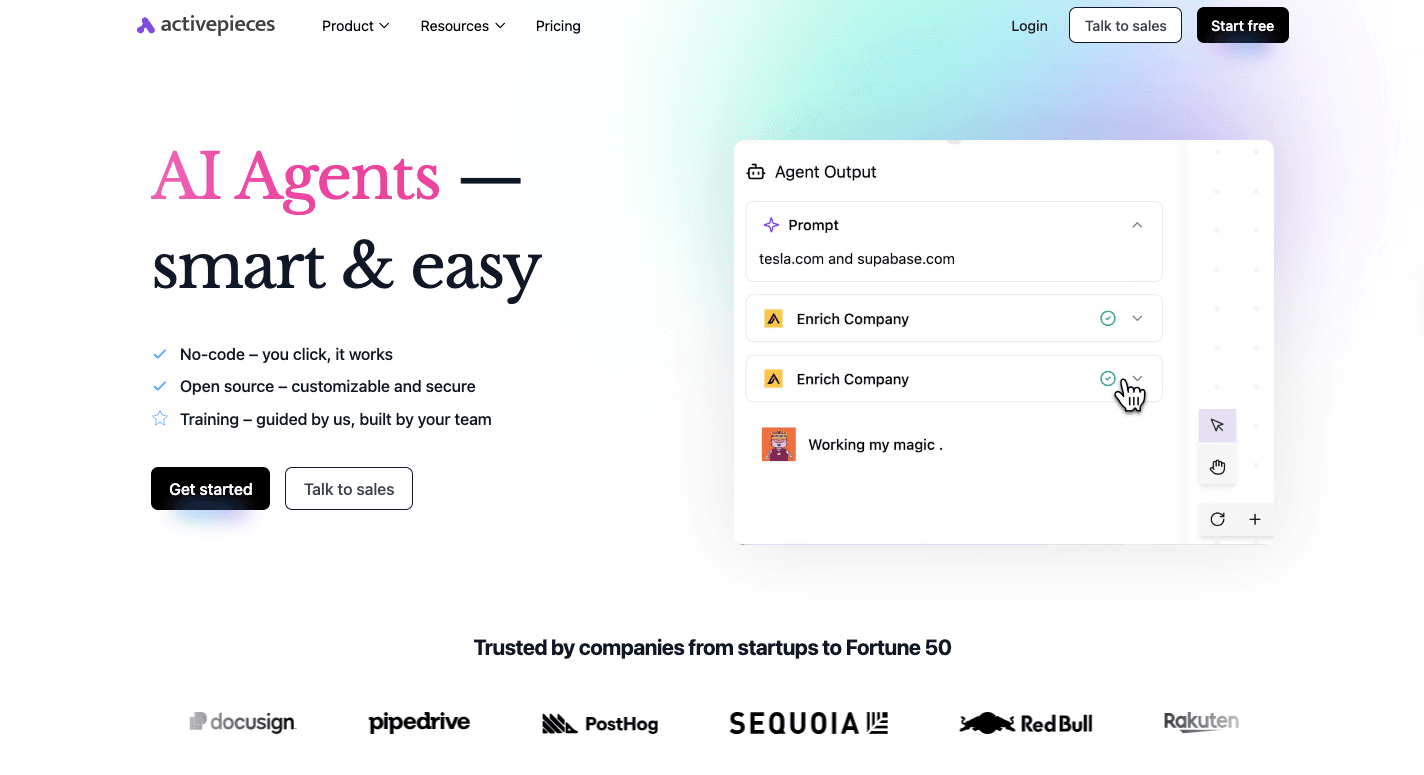
Activepieces gives startups and enterprises a way to automate repetitive tasks. Non-technical users can build workflows through an easy-to-use interface and a no-code builder, while developers can customize every detail with TypeScript.
What makes it even better? The sheer number of connections.
With 628+ pre-built integrations, called pieces, you can connect to Microsoft Teams and Slack to OpenAI, Google AI Studio, and CRM platforms like Zoho.
For teams that want to stop spending hours on manual tasks and focus on growth, Activepieces puts marketing, sales ops, support, and internal processes on autopilot while keeping everything connected in one place.
Key Features
- AI-first automation – Build workflows with native AI steps and agents.
- No-code automation builder – Simple drag-and-drop flows for non-technical users.
- Open ecosystem – Over 628 data integrations contributed by the community and developers.
- Developer freedom – Pieces written in TypeScript for full customization.
- Security options – Self-hosted or cloud with enterprise-grade security.
- Human input interfaces – Add approvals, forms, or chat inputs when needed.
- Copilot assistance – AI Copilot guides you through building flows.
Integrations
Activepieces manages integrations by connecting directly to the application programming interfaces (APIs) behind each tool, so data moves from one step to the next.
Every workflow starts when an app sends data through a webhook or when Activepieces checks for updates on a schedule. Each integration uses a piece that already knows how to authenticate, read inputs, and return structured output for the next step to use.
With over 628 pieces, Activepieces lets you connect with your existing systems. It can also integrate with human resources, communication, marketing, and AI-powered sales tools.
Common AI tools you can use:
- OpenAI
- Perplexity AI
- Pinecone
- Runway
- TextCortex AI
- Writesonic
- Google Gemini
- Copy.ai
When a tool is missing, an HTTP integration connects to any API, which helps you stay ahead as new services appear. Since the ecosystem is open, the library grows quickly through community contributions and developers adding new pieces every week.
Pricing
Activepieces offers paid cloud options, such as:
- Standard: Free with 10 active flows, then $5 per active flow per month. Includes unlimited runs and AI agents.
- Ultimate (Annual): Contact sales. Adds security, governance, SSO, audit logs, private pieces, and enterprise support.
- Embed (Annual): Starts at $30k per year. Includes an embedded builder, AI agents, SDK, and custom branding.
There’s also a free, Self-hosted Community Edition with no task limits, giving full control over infrastructure and data. Compared to Zapier, Make, or n8n, Activepieces delivers more without draining your budget.
Join for free and put AI-powered workflows to work!
2. Canva AI: Magic Design for Non-Designers
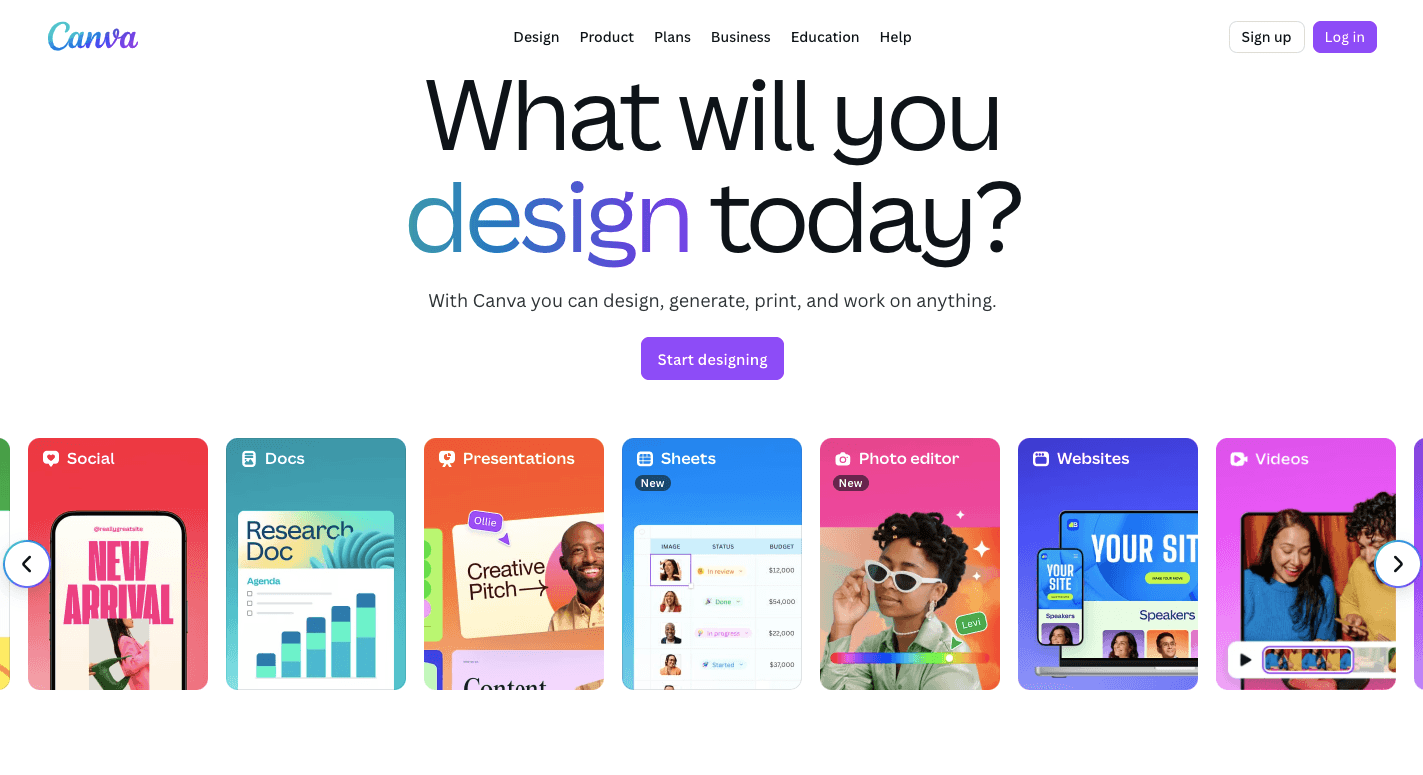
Your startup needs designs, such as a pitch deck, ad campaign, or blog header that look sharp. Through Canva AI, which folds AI-powered features into the Canva editor, anyone on your team can create polished visuals and text in minutes, even without advanced design skills.
You can draft fresh ideas for your campaigns, create digital marketing materials, or build a quick presentation without breaking your flow. Once you’ve finished, Canva lets you share your designs on various social media platforms directly from the editor.
For startups, it speeds up content creation while keeping costs low, which means you can focus on strategy instead of worrying about design.
Key Features
- Magic design – Generates ready-to-use templates from a short description or uploaded file.
- Magic write – Functions as an AI writing assistant for generating reports, blog posts, ad copy, or emails.
- Magic media – Produces images and video content in styles like photography, digital art, or 3D.
- Magic edit – Swaps or adds objects in photos with a quick text command.
- Magic grab – Separates the subject from a photo so you can move or resize it.
- Magic eraser – Removes unwanted elements and fills the space with natural backgrounds.
- Magic switch – Adapts a design to new sizes or languages for different channels.
- Magic animate – Adds smooth motion to slides and visuals with a click.
Pros
- Saves hours with fast drafts and edits.
- It operates within a single platform, so there’s no need to switch between apps.
- Keeps logos, colors, and fonts aligned with your brand identity.
Cons
- Generic results unless customized.
- Free accounts only get a small number of AI credits.
- Requires strong internet access for smooth use.
Pricing
Canva AI runs inside Canva’s plans, so you don’t pay for it separately. With a free account, you get limited AI access. The Pro plan starts at $15 per month and includes a bigger credit pool, premium stock assets, and 100GB of storage.
Then the Business plan starts at $20 per user each month and adds collaboration controls. Meanwhile, the Enterprise plan offers custom pricing with advanced support and privacy features.
3. Upmetrics: AI-Powered Business Plan Generator
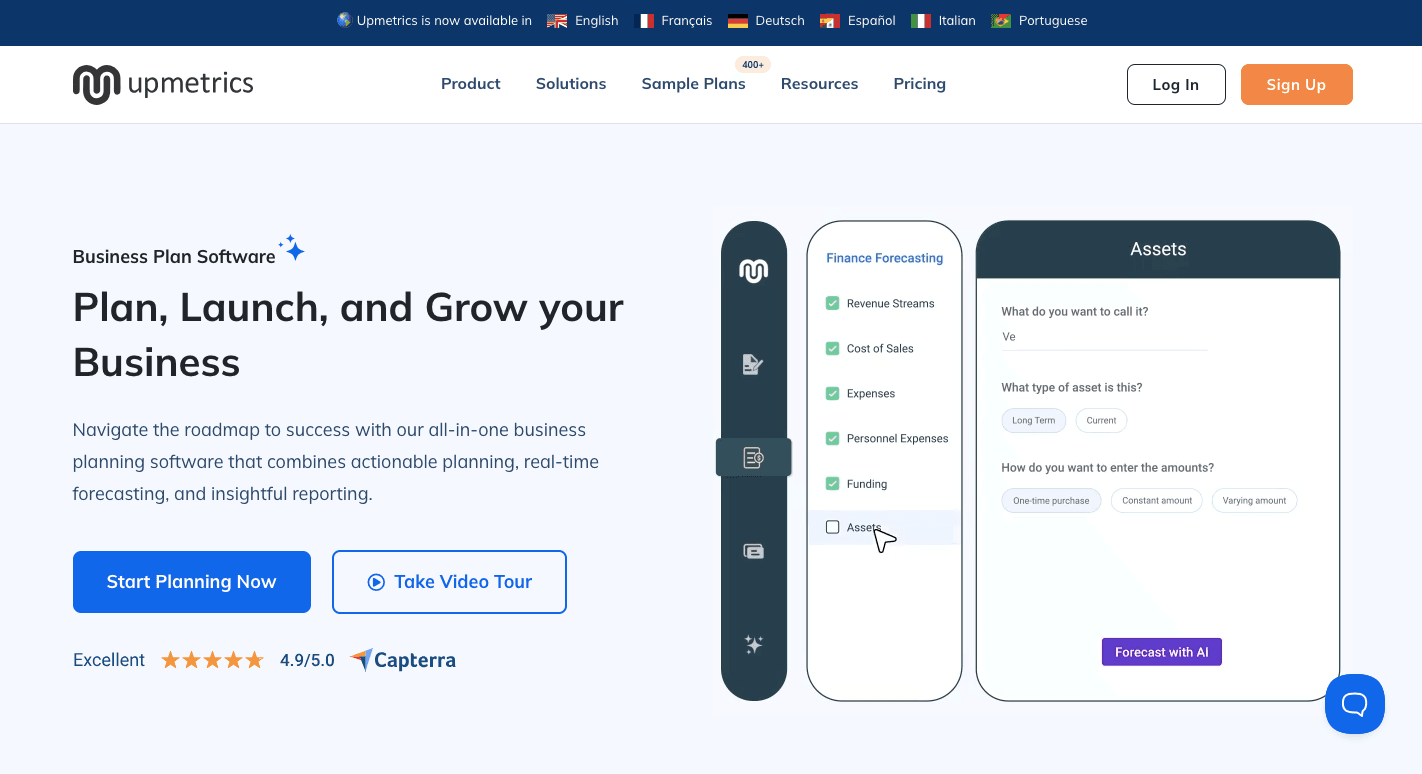
Every startup needs a clear business plan, but building one from scratch takes time and often requires expert help.
Upmetrics changes that by combining templates, guided workflows, and AI-powered features to turn your ideas into a business plan. You can also generate investor-ready pitch decks and financial forecasts in the same workspace.
Founders can start by selecting from industry-specific templates. The system then guides you step by step. Once your business plan is complete, you can export it as a PDF, Word file, or even a presentation for investor meetings.
While some may find the AI content generic, the mix of templates, editing tools, and collaboration options makes it dependable for early-stage teams.
Key Features
- AI business plan generator – Produces a first draft by asking simple questions about your idea.
- AI writing assistant – Refines sections with better wording and structure.
- AI financial assistant – Builds forecasts like cash flow and break-even reports.
- AI pitch deck generator – Creates an investor-ready pitch deck directly from your marketing plan.
- Planning templates – Includes Business Model Canvas and Lean Canvas layouts.
- Financial forecasting – Generates profit and loss, cash flow, and balance sheets automatically.
- QuickBooks and Xero integrations – Syncs real data to strengthen financial accuracy.
- Exports – Download your plan or deck in PDF, Word, Excel, or PowerPoint formats.
Pros
- Automated forecasts save hours of manual spreadsheet work.
- A large template library cuts down on research.
- Supports collaboration with secure workspaces.
Cons
- AI text sometimes needs heavy editing to match the brand voice.
- Limited integrations beyond QuickBooks and Xero.
- No dedicated mobile app for working on the go.
Pricing
Upmetrics offers two paid plans. The Premium plan costs $19 per month and adds AI plan writing, a seven-year forecast, and QuickBooks/Xero integrations.
Additionally, the Professional plan costs $49 per month and includes three workspaces, a 10-year forecast, and client management tools.
4. ChatGPT: Generative AI for Any Startup Task
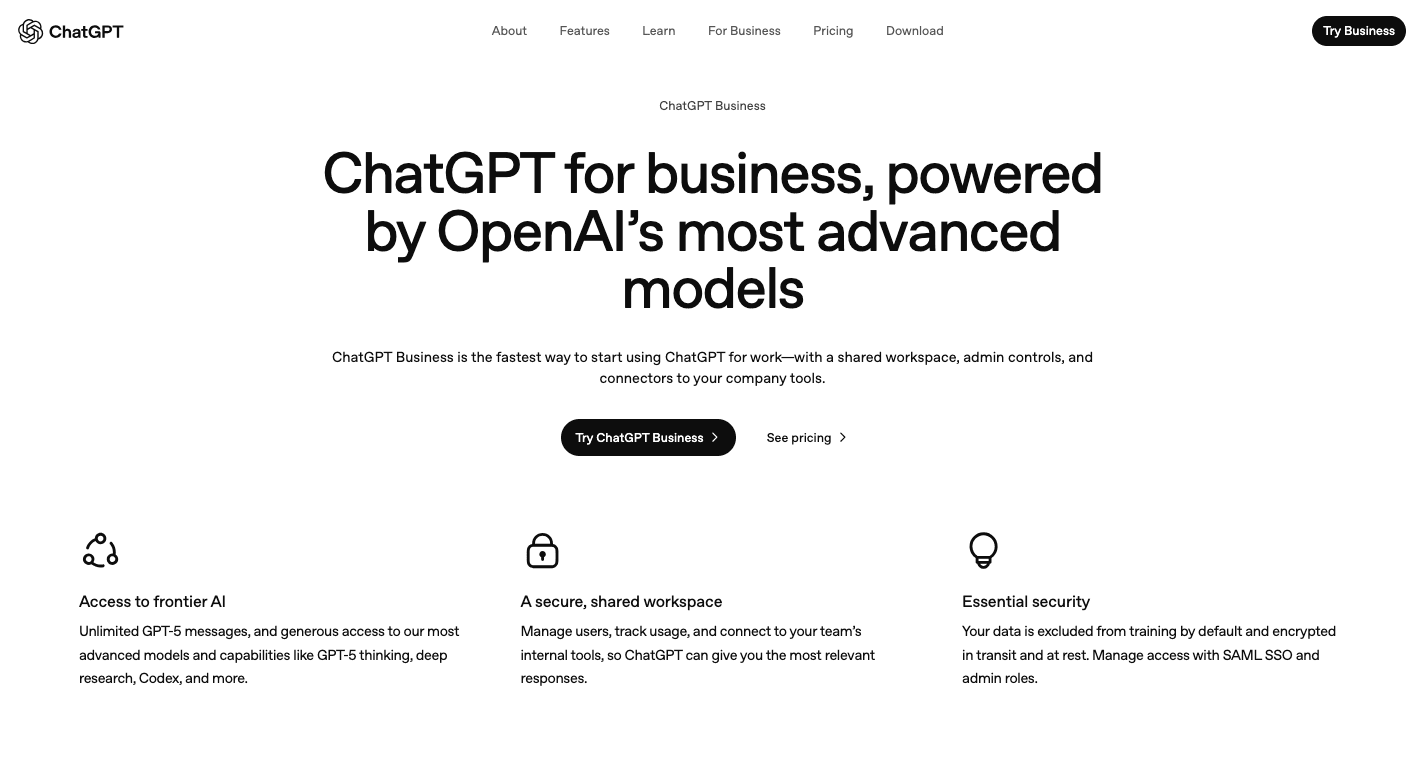
As a generative AI system, ChatGPT can generate content, explain code, analyze social media trends, create reports, and brainstorm ideas on demand.
More importantly, it develops social media posts and pitch decks, generates blog posts, and creates compelling content that fits your audience. You can even use it to prepare how-to guides or refine your messaging to match your unique brand voice.
Since ChatGPT operates conversationally, you can ask follow-up questions, request rewrites, or shift the style until the output feels right.
The time you spend on repetitive coding tasks, researching, and writing even lessens as you use it to generate drafts. Although it still requires human editing, ChatGPT saves time and keeps content flowing.
Key Features
- Natural language processing – Generates clear, human-like responses to prompts.
- Creative writing – Produces relevant content and drafts for blogs or campaigns.
- Multilingual support – Translates text or communicates in several languages.
- Logical reasoning – Breaks down complex questions into step-by-step answers.
- Coding help – Writes and debugs code in multiple programming languages.
- Data analysis – Processes and explains datasets to provide data-driven insights.
- Web browsing – Fetches up-to-date information on current topics.
- Image generation – Creates visuals using integrated tools like DALL-E.
- Custom GPTs – Let you design specialized assistants for unique tasks.
Pros
- Handles diverse tasks from code to copy.
- Generates quick drafts for faster workflows.
- Supports brainstorming and ideation.
Cons
- Some outputs sound generic without editing.
- Advanced reasoning remains limited compared to human experts.
- Heavy reliance reduces original thinking and creativity.
Pricing
ChatGPT is available across several tiers. The Free plan includes limited access to GPT-5.2 and features like file uploads and slower image creation.
The Business plan costs $30 per user per month and includes enterprise security, access to Codex, and a ChatGPT agent.
The Enterprise plan comes with custom pricing and expanded features, dedicated support, and higher usage limits for larger organizations.
5. Grammarly: AI-Powered Writing Assistant
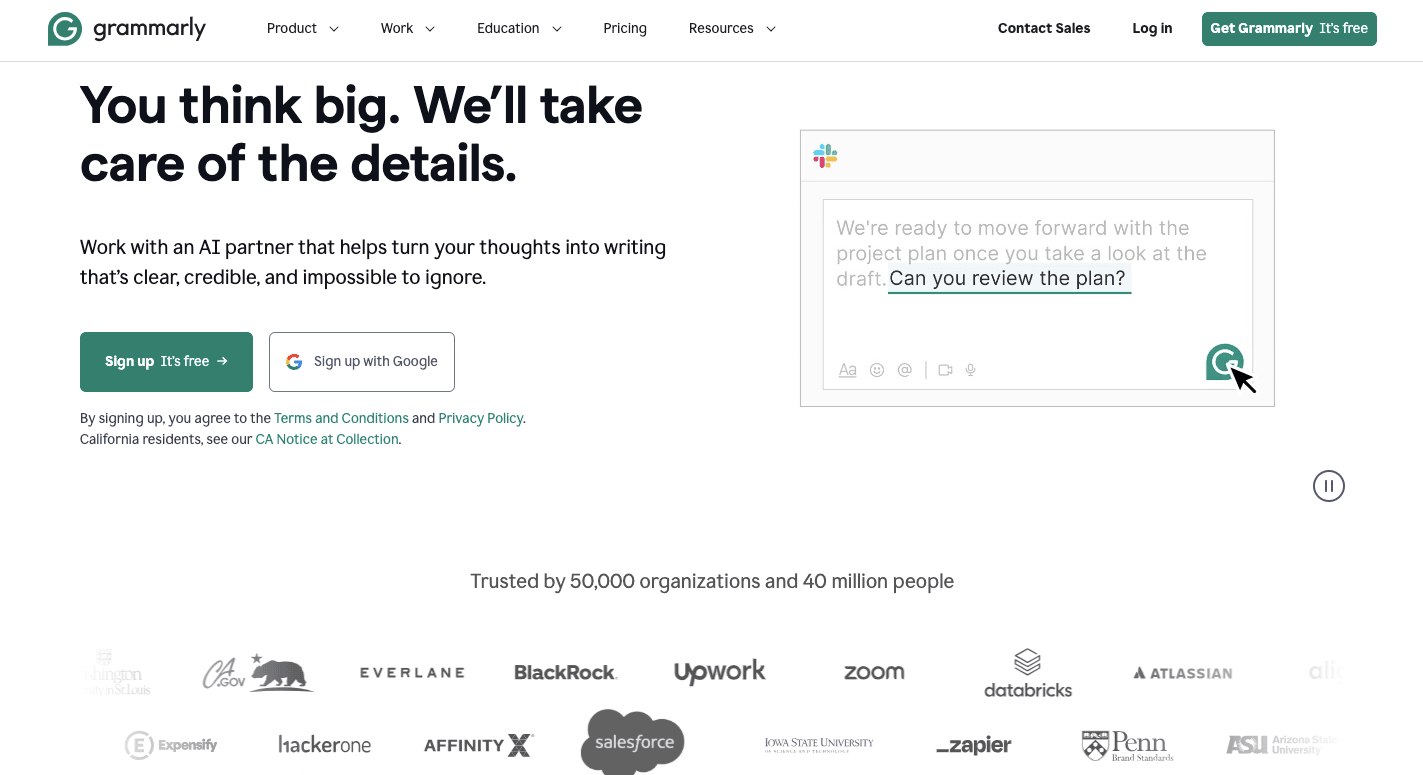
Grammarly steps in as an AI writing assistant that goes far beyond checking spelling and punctuation. It gives real-time AI-powered suggestions for clarity, grammar, tone, and fluency.
It functions as a conversational AI writing tool that adapts to different contexts. You can ask it to refine text for a pitch, expand an idea into long-form content, or shorten sentences for quick updates.
Even without dedicated editors, you can still sound professional every time, as Grammarly supports drafting ads, emails, and posts. You can further use it across Google Docs, Microsoft Office, email, and Slack.
Key Features
- Grammar – Detects and corrects mistakes in real time.
- Vocabulary suggestions – Offers better word choices to sharpen your writing.
- Tone detection – Highlights how your message may sound and adjusts for the audience.
- GrammarlyGO – Generates drafts, rewrites, or expansions with generative AI.
- Email assistance – Suggests responses and summaries directly in email platforms.
- Plagiarism checker – Scans content against billions of sources for originality.
- Custom style guides – Keep team content aligned with your chosen brand voice.
- AI content detector – Flags text that may look AI-generated.
- App integrations – Works seamlessly across thousands of websites and apps.
Pros
- Tone and clarity checks keep writing consistent.
- GrammarlyGO supports creative brainstorming and drafting.
- The plagiarism checker helps with academic or formal writing.
Cons
- Context misinterpretation leads to unnecessary changes.
- Requires internet access for most features.
- Over-reliance may reduce personal editing skills.
Pricing
Grammarly offers the Free plan that covers basic corrections and tone detection. The Pro plan costs $12 per member per month and includes sentence rewrites, advanced tone adjustments, unlimited suggestions, plagiarism checks, and 2,000 AI prompts.
Meanwhile, the Enterprise plan goes further with advanced security, custom permissions, encryption, and unlimited AI prompts.
6. HubSpot AI: Marketing and Sales AI
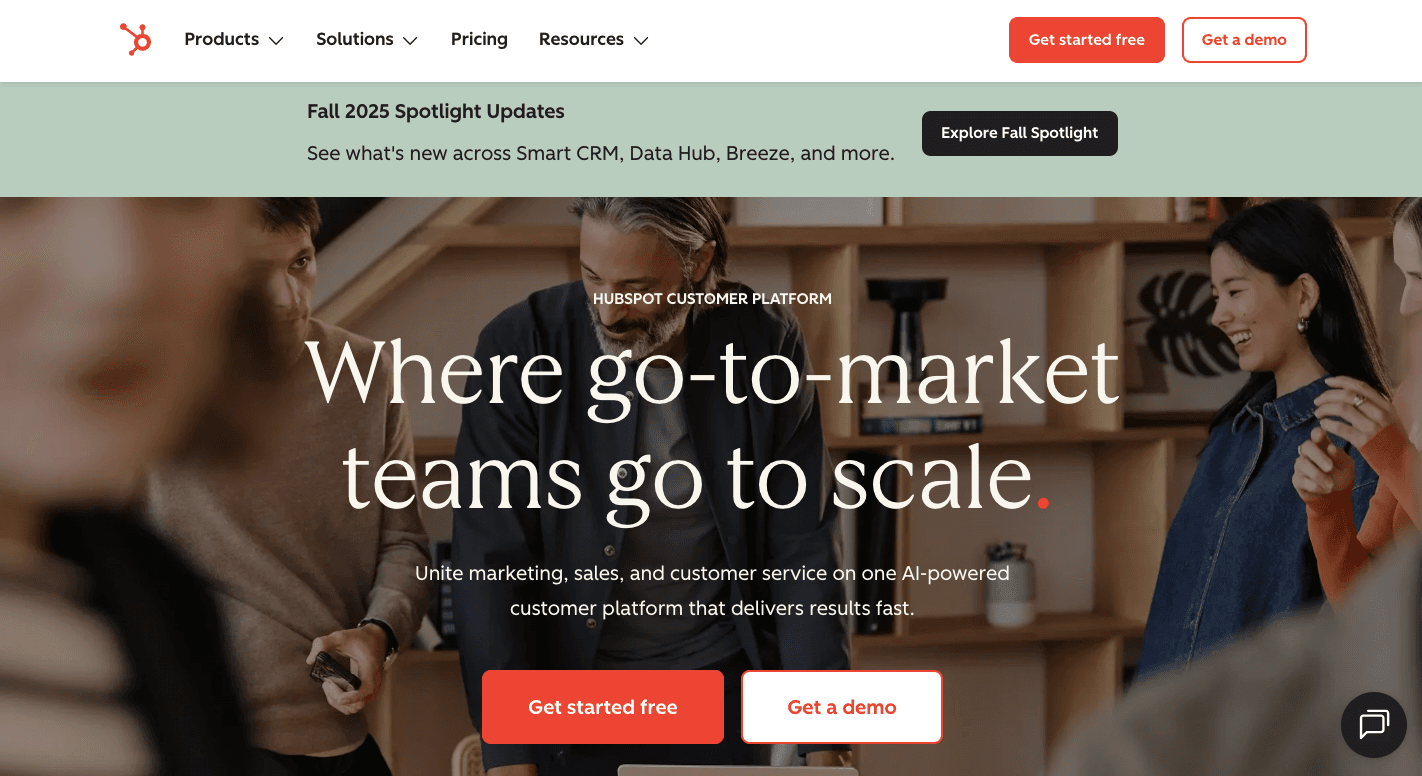
HubSpot AI, known as Breeze, brings intelligence directly into the HubSpot CRM so your team can work smarter and focus on building relationships.
By working with the data already stored in your CRM, this AI platform helps you write content, respond to leads, and analyze customer data. You also gain reports based on reliable data that highlight opportunities and support a stronger go-to-market strategy.
Marketers benefit from Breeze’s ability to segment users based on behavior and deliver campaigns that feel personal. Meanwhile, sales teams use predictive scoring to prioritize prospects, and service teams resolve support requests faster with AI-generated summaries.
You can also track key metrics across campaigns, sales pipelines, and support interactions to understand what’s driving results in a competitive landscape.
Key Features
- Breeze Copilot – Generates and edits emails, blog posts, and summaries in context.
- Content agent – Produces and repurposes campaign assets.
- Prospecting agent – Researches leads, tracks buyer intent, and drafts outreach.
- Customer agent – Manages incoming questions with CRM-informed replies.
- Breeze intelligence – Forecasts revenue and enriches contact details.
- Conversation assistance – Summarizes calls and suggests responses.
- Social media agent – Creates and schedules audience-focused posts.
- Duplicate management – Cleans contact records for reliable reporting.
- Form shortening – Simplifies sign-ups for known contacts.
- Predictive lead scoring – Flags high-potential leads using machine learning.
Pros
- Provides context-aware insights rooted in company data.
- Automates tasks for marketing, sales, and service teams.
- Generates predictive insights and forecasts to guide planning.
Cons
- Accuracy depends heavily on clean CRM records.
- Feature variety can feel overwhelming for new users.
- Integrations with non-HubSpot tools remain limited.
Pricing
HubSpot AI provides free access to an AI content writer, website builder, and conversation summaries. Paid plans unlock more advanced agents and forecasting features. Starter subscriptions begin at $15 per seat per month.
Professional plans expand AI use across hubs: the Marketing Hub starts at $890 per month for three seats, while Sales Hub and Service Hub each cost $100 per seat monthly.
7. Front: Collaborative Customer Service
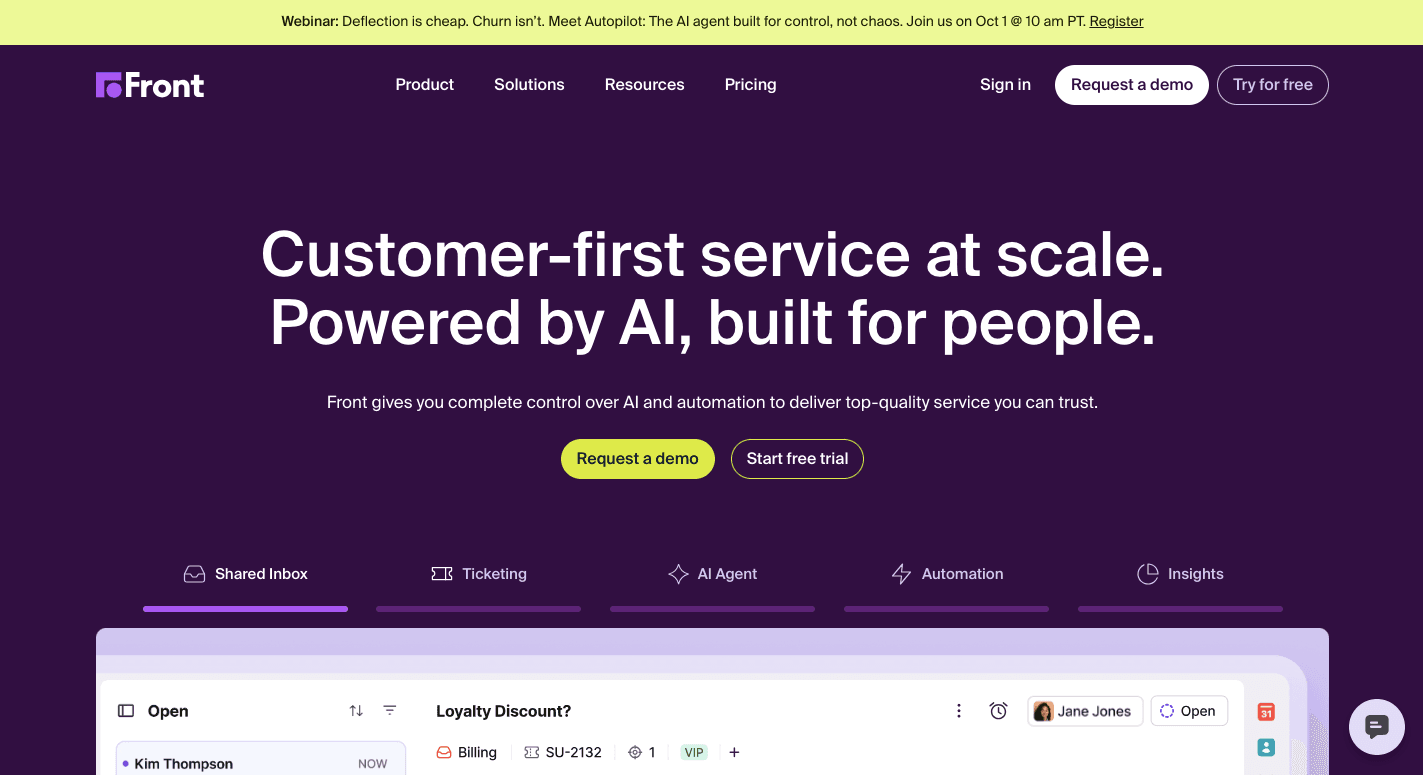
Your startup grows by building strong relationships, and that means every conversation counts. Front manages those moments by uniting email, chat, SMS, and social media into one shared inbox.
The platform makes it easy to resolve customer inquiries quickly and coordinate with your team in real time.
Every message carries context, so your teammates see the full history of customer interactions without searching through old threads. You can assign conversations to the right person, leave private notes, or draft replies together.
Front combines automation with team collaboration tools that save time while keeping communication personal. Startups in any target market can use it to keep customer conversations organized and on-brand.
With automation layered in, repetitive tasks like tagging, routing, and service-level agreement (SLA) tracking are handled behind the scenes.
Key Features
- Omnichannel inbox – Centralizes email, chat, SMS, and social channels.
- Shared inboxes – Assign messages and track ownership.
- Real-time collaboration – Leave comments, share drafts, and @mention teammates.
- AI assistance – Suggests replies and handles simple questions.
- Workflow automation – Routes and tags conversations automatically.
- Knowledge base – Provides self-service content for customers.
- Ticketing tools – Manages complex support issues.
- Analytics and dashboards – Measure response times and team performance.
- App integrations – Connects with CRMs, project management tools, and chat apps.
- Mobile access – Manage communications on iOS and Android devices.
Pros
- Consolidates channels into one inbox.
- Improves accountability by assigning ownership.
- Provides analytics for team performance and customer satisfaction.
Cons
- Performance issues can occur with long threads.
- Mobile app lacks the depth of the desktop version.
- Integrations with external apps may feel limited.
Pricing
Front offers three tiers. The Starter plan costs $35 per seat per month and includes shared inboxes, ticketing, basic analytics, and limited automation rules.
At $85 per seat per month, the Professional plan adds omnichannel support, macros, advanced analytics, and multiple workspaces. The Enterprise plan is available with custom pricing.
8. Runway ML: AI-Powered Video Editing
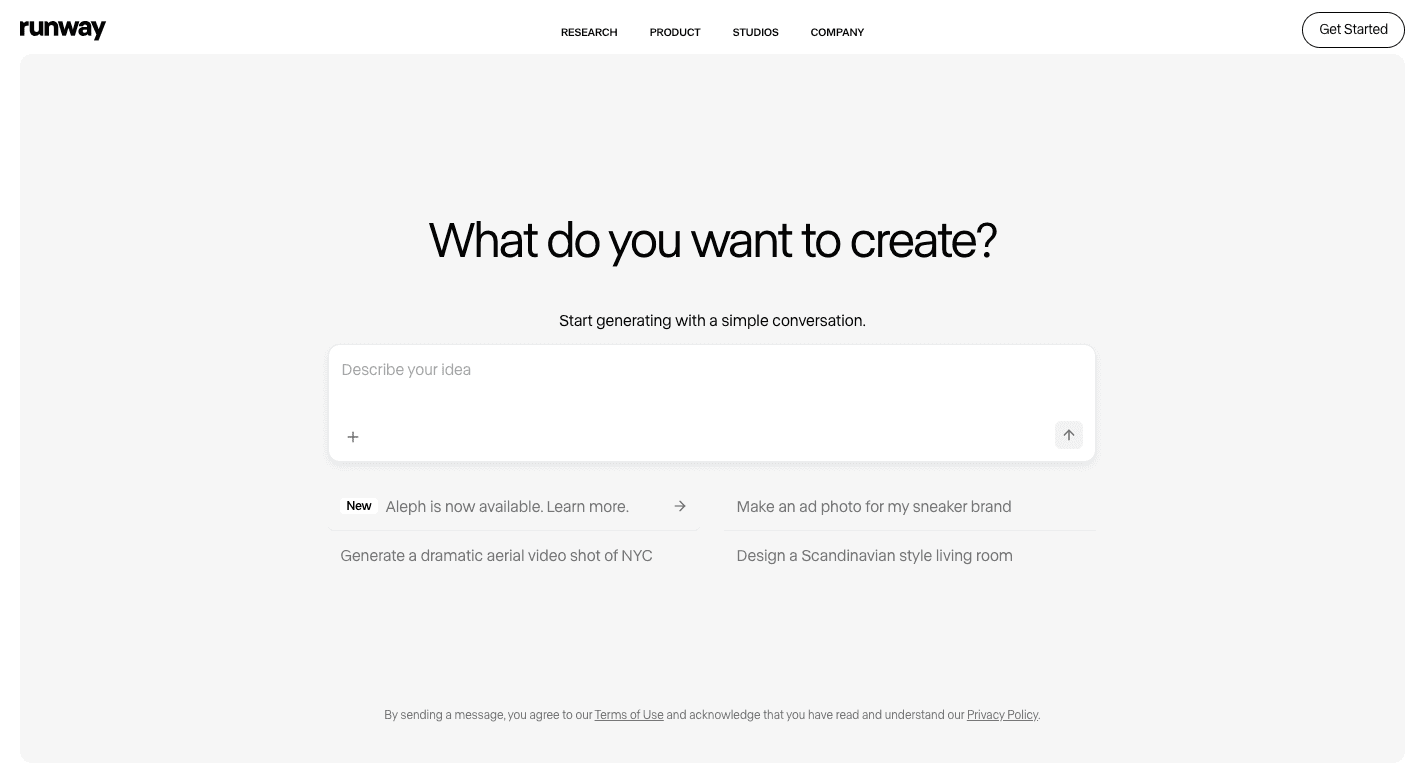
How much time do you and your team spend editing videos? As startups, that often means long nights piecing clips together, fixing backgrounds, and trying to make content look professional.
Runway ML includes advanced machine learning algorithms that handle video editing automatically, so you don’t have to spend hours tweaking frames. Since it lives in the cloud, you don’t need high-end computers to run it.
You type what you want, upload an image or clip, and the platform generates or edits a video that fits your idea. For early-stage companies, this makes it possible to produce content that matches your vision without hiring a large team.
Multiple people in your marketing team can also log in, edit the same project, and share files in real time.
Key Features
- Text-to-video – Type a prompt and watch it turn into a short video.
- Image-to-video – Animate still images with motion.
- Video-to-video – Restyle or enhance existing clips.
- Motion brush – Add movement to a chosen part of an image.
- Inpainting – Erase unwanted objects and replace them.
- Background removal – Swap or clear video backgrounds automatically.
- Color grading – Adjust tone and style with simple prompts.
- Scene detection – Split longer videos into separate clips.
- Lip-sync and audio tools – Match audio to your video characters.
Pros
- User-friendly for beginners and pros.
- Saves hours on editing tasks.
- Produces high-quality results with its latest models.
Cons
- Some advanced features take practice to master.
- Generated clips can be inconsistent.
- An internet connection is required to use it.
Pricing
Runway ML starts with the Free plan that offers 125 one-time credits, though you’ll see watermarks and slower processing. The Standard plan costs $15 per month, with 625 monthly credits and 100GB of storage.
With 2,250 credits and additional advanced options, the Pro plan costs $35 per month. Moving to the Unlimited plan costs $95 per month and opens up endless generations in Explore Mode.
For large-scale teams or agencies, Enterprise plans are custom-built with expanded resources and dedicated support.
9. Notion AI: Knowledge Management and Documentation
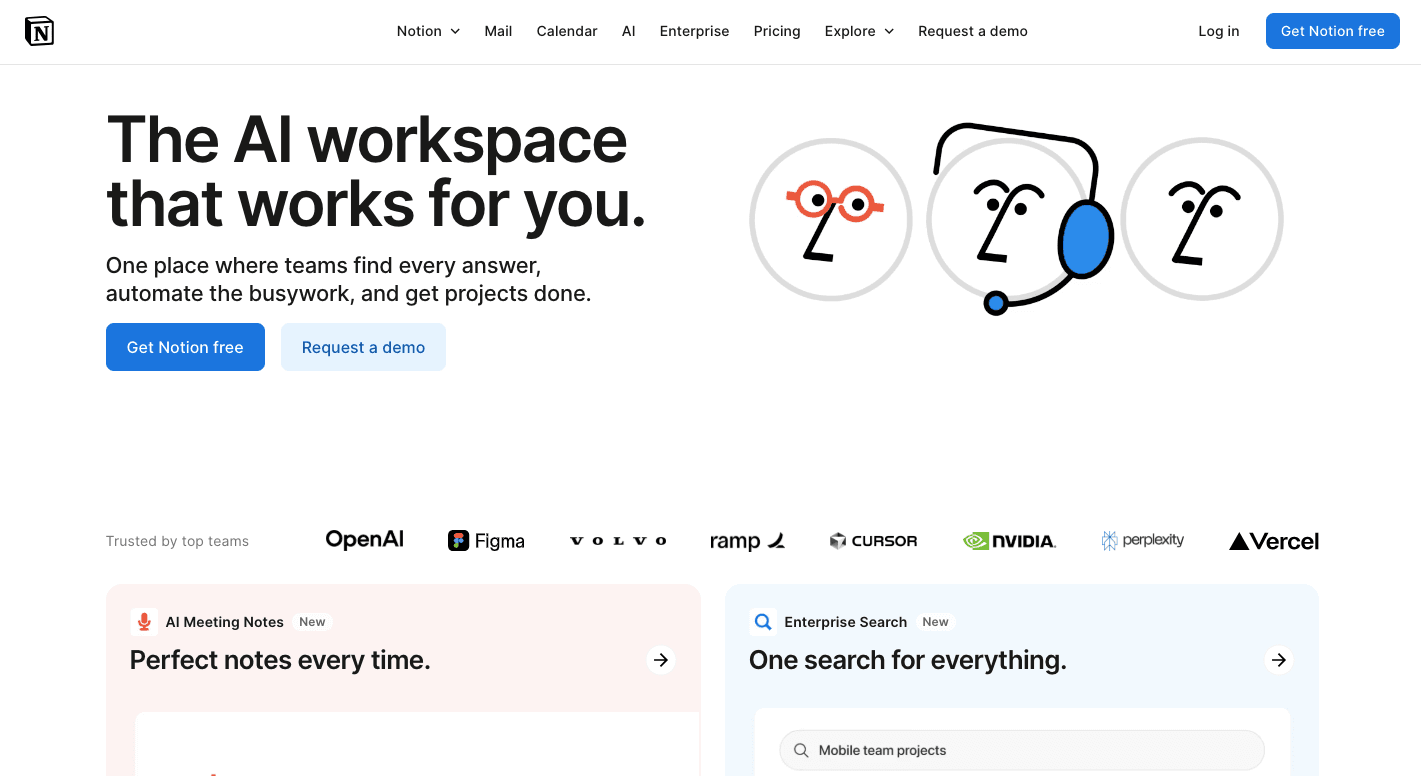
Notion AI helps you create drafts, summarize pages, and answer questions based on your own data.
You can ask questions and get answers pulled from your workspace, connected apps, or even findings from market research. Over time, this makes it easier for startups to organize internal knowledge and reduce wasted effort.
The platform also supports collaboration. You can edit in real time, assign tasks, and link databases for better project management.
For founders who want a single place to manage ideas, tasks, and documents, Notion AI combines smart assistance with the flexibility of an all-in-one workspace.
Key Features
- Draft content – Generate blog posts, emails, or agendas from prompts.
- Rewrite and edit – Shorten, expand, or adjust tone to fit your needs.
- Summarize documents – Turn long pages into quick, digestible points.
- Q&A search – Ask natural-language questions and get answers from your workspace.
- Database automation – Autofill properties or generate structured entries.
- Enterprise search – Scan across Notion and connected apps for context.
- Translation – Convert documents into other languages instantly.
- Research mode – Compile findings from your workspace and the web.
- AI connectors – Pull in content from tools like Slack, Google Drive, and GitHub.
Pros
- Generates drafts, summaries, and translations without extra tools.
- Enhances knowledge management with natural-language search.
- Privacy commitments protect company data.
Cons
- Requires an additional subscription.
- Large workspaces may feel slow or heavy.
- A general-purpose design may not meet specialized use cases.
Pricing
Notion AI is available as an add-on across plans. The Free plan includes core workspace features for individuals. The Plus plan costs $12 per member per month and includes unlimited blocks, uploads, and integrations.
The Business plan is priced at $24 per member per month, and it includes SAML SSO, private teamspaces, and premium integrations. The Enterprise plan offers custom pricing, designed for larger teams needing advanced controls and security.
Give Your Startup an AI Assistant Edge With Activepieces
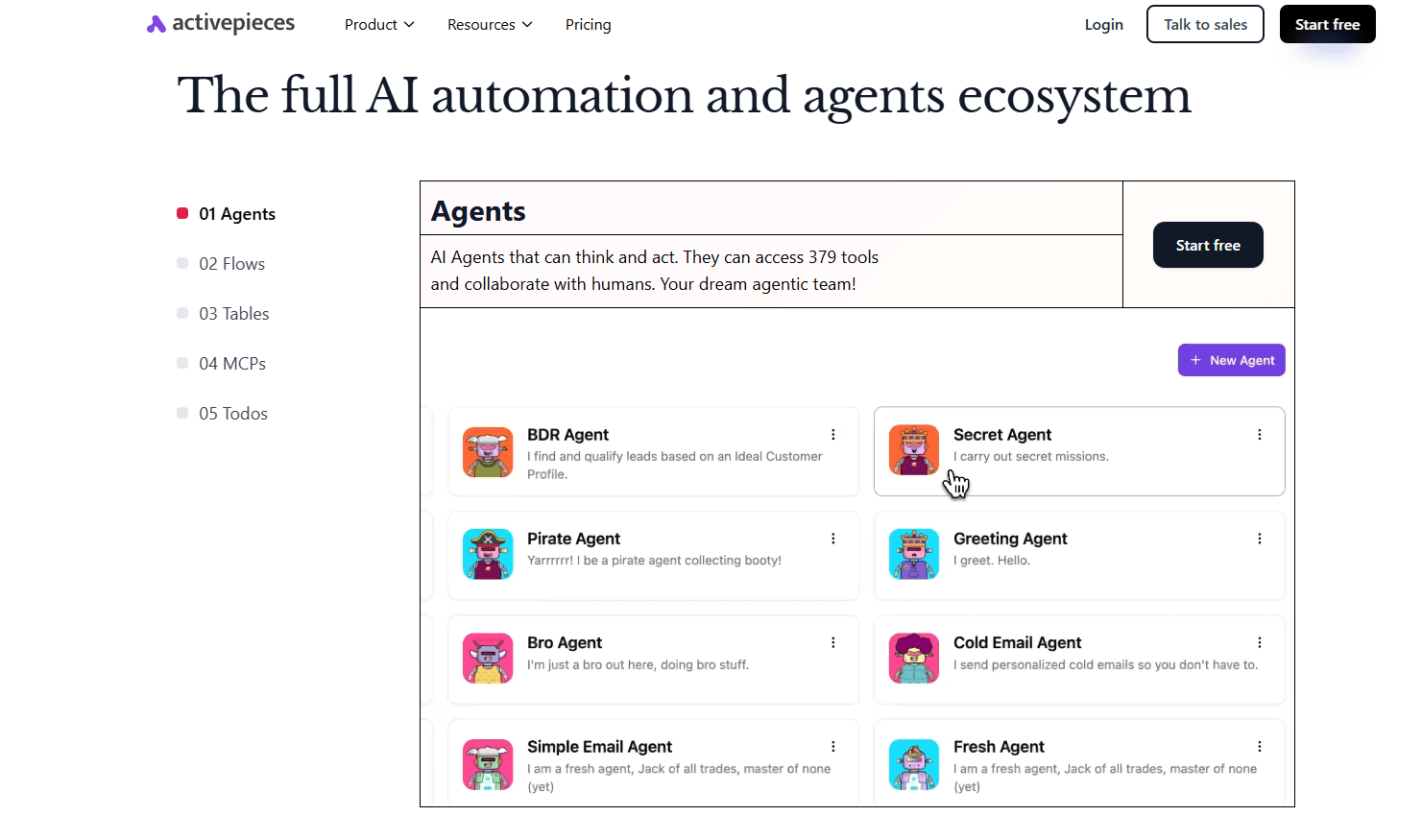
Activepieces is an AI workflow automation tool that lets you automate your email campaigns, SEO workflows, sales operations, and customer support.
With a user-friendly interface for building flows, the experience is smooth for your non-technical teammates who want to create automations quickly, and TypeScript support is available for developers who want to go deeper.
There are currently 628+ integrations (called pieces), some of which let you integrate AI tools. Since over half of the pieces come directly from the community, the library grows more quickly than closed competitors and reflects what real startups actually need.
You can self-host to keep data under your control or use the cloud version with enterprise-level protection. Activepieces also gives you features like human-in-the-loop for approvals and chat or “form interfaces” for moments when people need to guide the process.
Activepieces is an automation and AI hub your entire business can trust.
Connect with sales and discover how Activepieces fits your stack!
FAQs About AI Tools for Startups
What benefits do AI tools bring to early-stage startups?
AI tools help early teams move faster with fewer people by reducing manual work and improving decision-making. They surface real-time insights from activity that founders usually miss, which helps startups react faster without building large teams.
How should startups evaluate the right tool before committing?
Startups should assess how well a tool fits existing workflows, how quickly it delivers value, and whether it integrates with the tools they already use.
What types of AI tools are most useful for startups?
The most useful options support content marketing, sales follow-ups, data work, and forecasting. Tools built around predictive analytics and the ability to analyze data help you spot patterns early without hiring specialists.
What types of startup tasks should AI handle first?
AI should handle repeat-heavy work early, such as drafting content, sorting feedback, and reviewing messages. Tasks like the creation process, basic sentiment analysis, and first-pass customer review free time for product and strategy work.