Automation Zapier Guide 2026: Workflow, Pricing & Limits
Zapier automation links apps so one event triggers tasks automatically, no code needed. See how it works, 2026 pricing, and limits.

Oct 3, 202513 min read
Automation Zapier is the no-code way Zapier links your apps so one event in one tool instantly triggers a task in another, no coding required. You pick a trigger, like a new form entry, and watch Zapier fire off actions such as updating a CRM or sending a Slack message, turning repetitive work into a background process. Zapier lets users build automated business workflows that customize to your needs today and keep running as your team's processes change.
This guide covers how Zapier's triggers, webhooks, APIs, and AI agents work together, what Zapier costs in 2026, where its limits show up at scale, and how Activepieces compares as an alternative.
Take the next step toward smarter work by creating your free Activepieces account!
What Is Zapier?
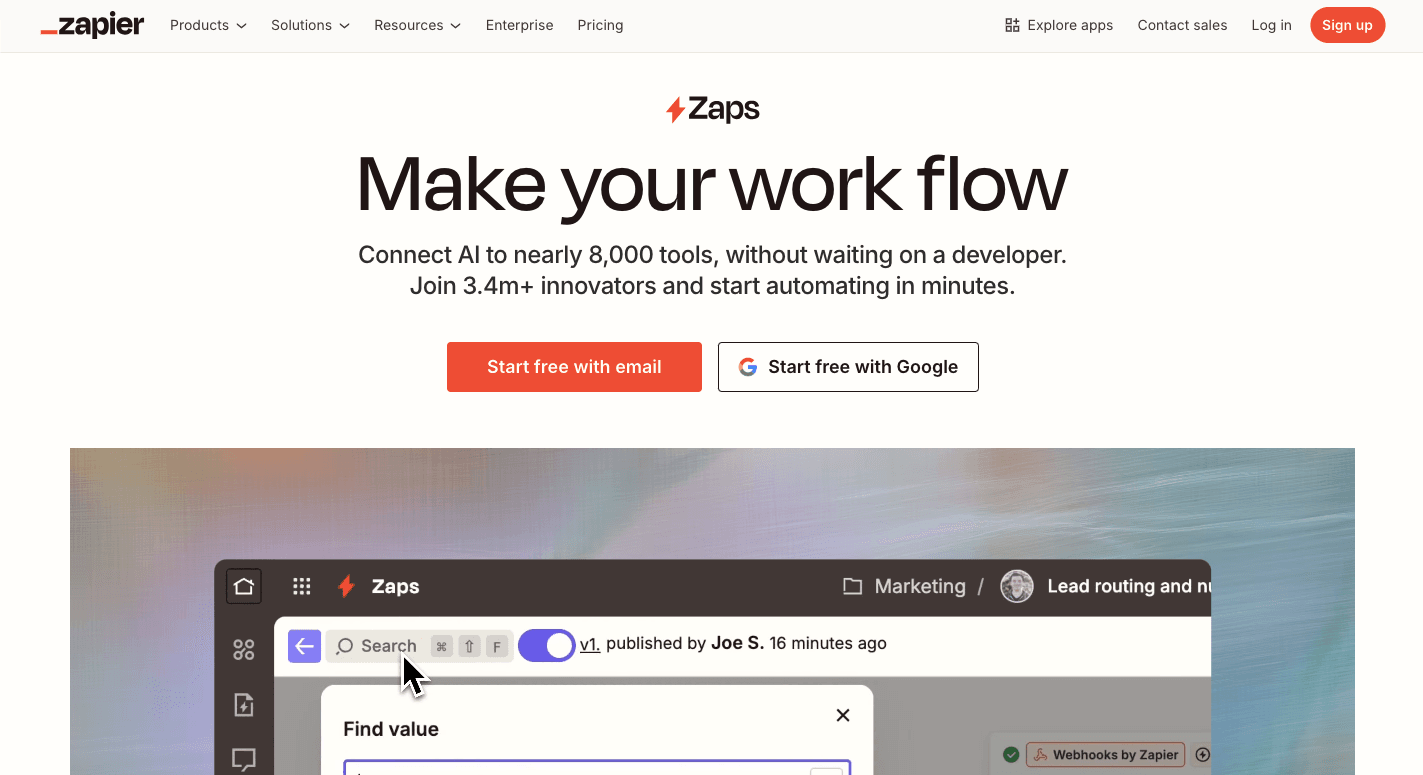
Zapier is like a bridge between apps. You pick an event in one app, and it sets off a reaction in another. For example, when someone fills out a form, the details land in Google Sheets and then trigger Slack notifications for your team.
That setup is called a "Zap." Users often start small with their first Zap, then build confidence and add more steps or run multiple Zaps for different parts of their day.
Each Zap has a trigger and one or more actions. A single event can spark multiple actions, such as sending a message, adding a lead, or logging details. That's how Zapier automates tasks between multiple apps. It fits neatly into your existing business processes without a developer.
To make things easier, Zapier lets you pick from ready-made templates that cover sales, marketing, and support. These templates speed setup and give you a head start.
Once you automate your work like this, you don't waste time repeating steps across platforms. Instead, you can customize each flow, connect one app to another, and let the Zap run while you focus on bigger goals.
If you are running this arithmetic for your own team, see what the same workload costs on Activepieces.
How Zapier Workflow Automation Works
Zapier runs on:
Zaps
Zapier works by linking apps through a structure called a "Zap." A Zap is created from a trigger and one or more actions.
For example, a new entry in Google Forms can send Slack notifications to your team instantly since Zapier connects Google Forms and Slack. That's Zapier automation in action: an event fires, and the automation completes a task for you.
However, you're not limited to a single action. A single trigger can launch multiple actions at once, so a form entry might update Google Sheets, notify your sales team, and create a contact in your CRM.
"Paths" allow you to shape different outcomes inside one Zap, which means the Zap performs the action that fits the situation. You could send leads from the US down one path and everyone else down another.
It also includes built-in helpers to make automation smoother. The schedule tool can trigger workflows at exact times, like every Monday morning or the first of the month. "Formatter steps" clean up data before it moves forward.
Once you've tested your flow, you switch it on and let it run in the background.
Webhooks and APIs
Zapier relies on two main methods to move data between apps: webhooks and APIs.
A webhook is like an instant signal. When something happens in one app, the event sends data straight to Zapier without delay.
For instance, the moment that payment is confirmed, Stripe sends the details to a special webhook URL provided by Zapier. That instant signal triggers the Zap and kicks off the next action, such as logging the payment in Google Sheets.
APIs work differently. Rather than waiting for a signal, Zapier sends a request to an app on a regular schedule. It might ask every 5 or 15 minutes, "Do you have anything new?" If the app has fresh data, Zapier collects it and runs the steps you've set up.
Often, workflows use both together. A webhook can start the process instantly, while an API call fills in missing details or updates another system.
Integrations
Zapier has over 9,000 supported services. There's a good chance that the tools you use are already covered.
Each app connection is packaged as a Zapier integration, and every one has its own landing page inside your dashboard showing ideas for new automations. These pages often suggest Zaps, which you can set up in minutes.
Connections function like translators between apps. After you authenticate your account, Zapier gains permission to interact with that app on your behalf. From there, you can design workflows that pull triggers and run actions.
For example, a new Gmail email can trigger Zapier to automatically add a contact in HubSpot or update a task in Trello.
Developers contribute to the ecosystem as well. Using Zapier's tools, they can publish their own data integrations for public use. Once an app is listed, anyone can link it to their workflows.
AI Agent
Zapier added AI to its automation engine to give users more freedom to build workflows without needing extra coding. The service offers AI agents, which are like assistants that run across your connected apps.
You write out instructions in plain language, and the agent takes that as its job description. From there, it can pull in data, decide which actions to run, and handle work without constant input from you.
For instance, a support agent can:
- Watch for incoming emails
- Read the content
- Check your FAQs stored in Google Docs
- Write a draft reply
In other cases, the agent might add new contacts to your CRM after qualifying them with details found online.
Since the agent can collaborate with others, you can set up multiple agents to split tasks, such as one for leads and another for meetings. You can build a Zap by describing what you want in plain English, too, and the builder fills in the steps.
Embedding Zapier Automations in Your Own Product
Activepieces offers embedding and white-labeling too, letting you drop a full automation builder into your own product under your own brand. Because Activepieces is open source with a TypeScript piece framework, you can also ship custom integrations for apps that aren't in any public directory, which matters if your users rely on a niche or in-house tool.
Either way, embedding automation inside your product reduces support tickets and keeps users from needing a separate login to a third-party automation tool just to connect their data.
Zapier Pricing and Plans for Workflow Automation
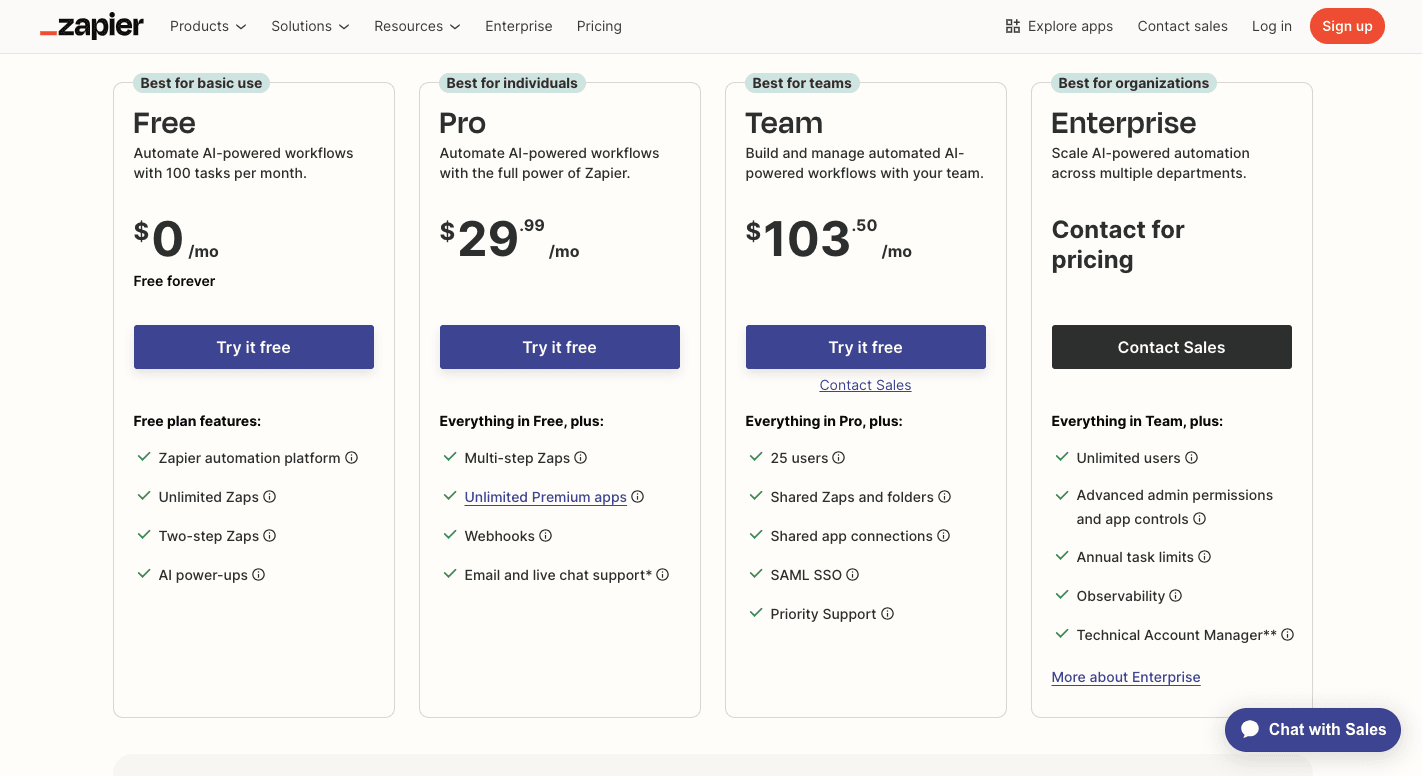
Zapier uses a tiered system based on how many manual tasks you need to run each month. A task is any action the Zap performs, so the more automations you set up, the more tasks you'll consume.
The free plan gives you a hundred tasks per month, but flows are limited to two steps, and updates only run every 15 minutes.
Then the Professional plan starts at around $19.99 a month and includes 750 tasks. You can build multi-step Zaps, add conditions, and run updates every two minutes.
For teams, there's a plan that costs about $103.50 a month for 2,000 tasks, and it unlocks shared workspaces plus one-minute updates. Large organizations usually need the Enterprise option, which is custom-priced.
Costs can add up because each action across your flows counts as a task. When you transfer large volumes of data or stack multiple actions into one flow, usage climbs quickly.
Limitations of Zapier You Should Know
Users often find limitations once they rely on Zapier for larger workloads. Some of the main drawbacks include:
- Only successful actions count toward your quota; failed runs don't.
- Bills grow fast as workflows scale across multiple apps.
- Advanced features like paths or filters require higher tiers.
- You may need to troubleshoot the error message on your own.
- Two-way sync usually means building two separate Zaps.
- Dashboards become cluttered once you manage dozens of Zaps.
- There's no self-hosting option for stricter compliance needs.
Zapier can handle basic automation for startups well. But as processes expand and expectations grow, the limits of pricing, workflow capabilities, and feature depth push many businesses to explore alternatives.
Worth checking against a plan that does not meter every step: one credit covers a whole run on Activepieces.
Zapier Automation Patterns: Webhooks, Cross-Tool Sync, and Time-Based Workflows
Zapier automation covers more ground than a single Zap. As teams add tools, a few patterns come up again and again.
Webhook triggers, done right. A webhook fires the instant something happens upstream, so use it when you need a near-instant response, like a new payment or form submission. Keep the payload lean, add a Filter step, and build in retry logic.
Cross-tool automation at scale. Connecting a CRM, a help desk, and a spreadsheet works fine for one or two Zaps. Once you need two-way sync, say, updates flowing from your CRM to your support tool and back, Zapier typically requires two separate Zaps. If you're managing more than a handful of these pairs, or need branching logic that reacts differently per app, that complexity is usually the sign it's time to look at a platform built for multi-step, multi-branch flows rather than one-directional Zaps.
Checking app support. Before building anything, search the app's name in Zapier's app directory; if a trigger or action is listed, it's supported. Unlisted tools can often still connect through a generic webhook or an API request step.
Time-based operations. Zapier's built-in Schedule trigger can kick off a Zap at a fixed time, like every weekday morning, to send reminders or run reports. For conflict prevention, pair a Schedule trigger with a Filter step that checks a calendar or database before sending a notification, so you avoid double-booking a resource or messaging the same person twice.
Why Activepieces Is Better Than Zapier for 2025 and Beyond
Activepieces is for teams that want automation without limits heading into 2026. You set up flows through a simple drag-and-drop builder, so every step feels visual and easy to follow.
The platform comes with 431 ready-made integrations called "pieces." You can connect tools for sales, marketing, and support in just a few clicks. Even if you're not tech savvy, you can create workflows, while as a developer, you have the option to write custom pieces in TypeScript and self-host the system for full control.
You further add steps that read text, summarize documents, or act like agents that respond on their own. With both cloud and self-hosted options, Activepieces gives startups and enterprises the same advantage: flexible automation that grows with your business.
Integrations
Activepieces runs as an open-source platform where the community helps it grow. Right now, it offers 431 ready-made "pieces" that connect popular services.
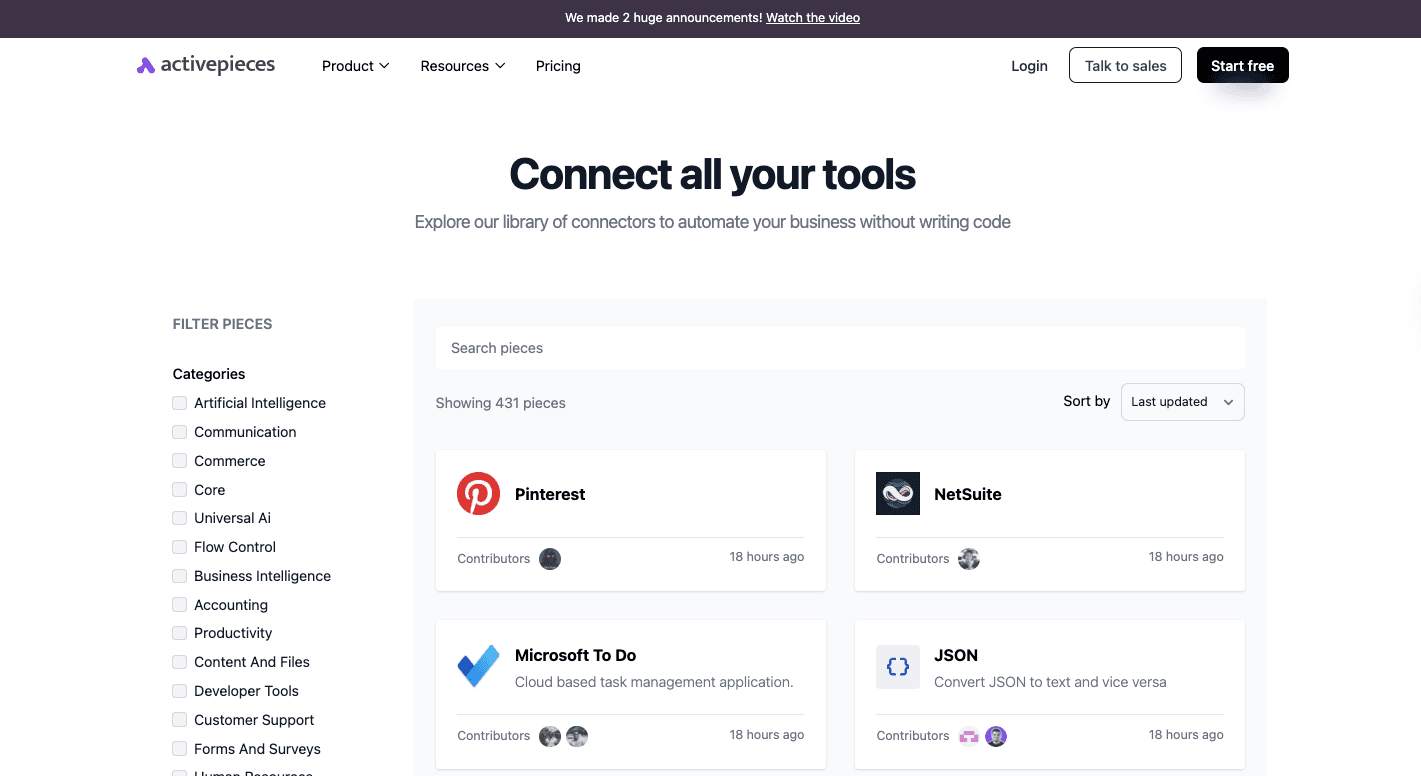
You'll find support for:
- OpenAI
- Google Sheets
- Slack
- ClickUp
- Google Drive
- WooCommerce
- NetSuite
- Motion
- Zendesk
- HubSpot
- Zuora
Flows in Activepieces stretch across many systems at once, so you can pass information between different apps in a single automation. You might create a record in a CRM, send the details into a spreadsheet, and then notify the right channel in Discord.
Since pieces are built in TypeScript, a developer can write new ones and share them with the community, so the library keeps expanding.
Pricing
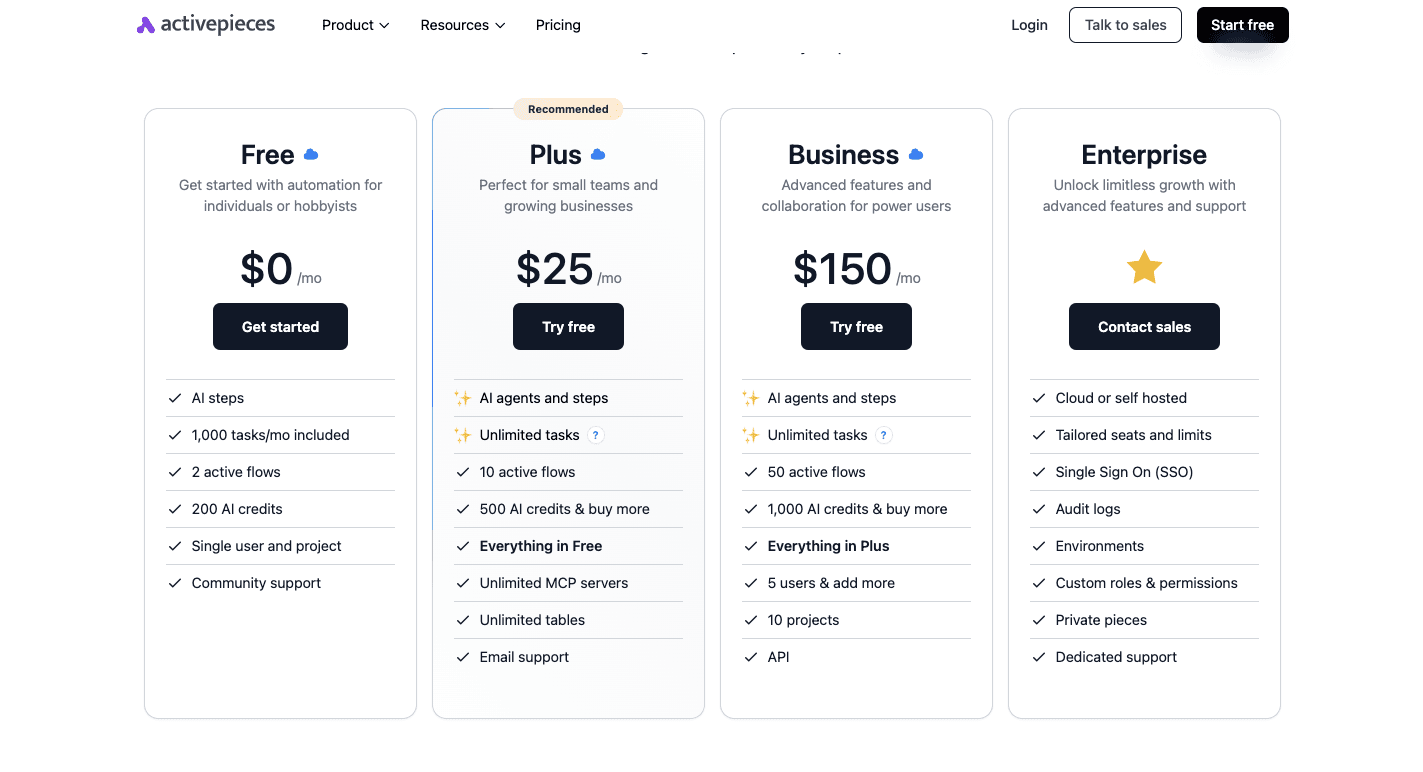
Activepieces offers a free cloud plan that gives you a thousand tasks each month, two active flows, and credits for AI steps. That's enough to test serious automation without worrying about overages.
The Plus plan costs $25 per month and gives you unlimited tasks under fair use, more flows, AI agents, and email support. For heavy users, the Business plan at $150 per month adds more flows, projects, and larger AI credits. Enterprises can request a custom plan with the sales team that matches their needs.
You can even run the Community Edition on your own servers at no cost, with no task limits at all. A developer can host it, adjust the system for security requirements, and give teams full control of their data.
Compared to other marketing automation tools, Activepieces avoids the "per task" billing that often surprises users. The cost doesn't balloon as you automate your work more, unlike when you use Zapier. For high-volume businesses, that predictability makes it easier to plan and scale automation without fear of runaway bills.
Have questions about enterprise features? Our sales team can help!
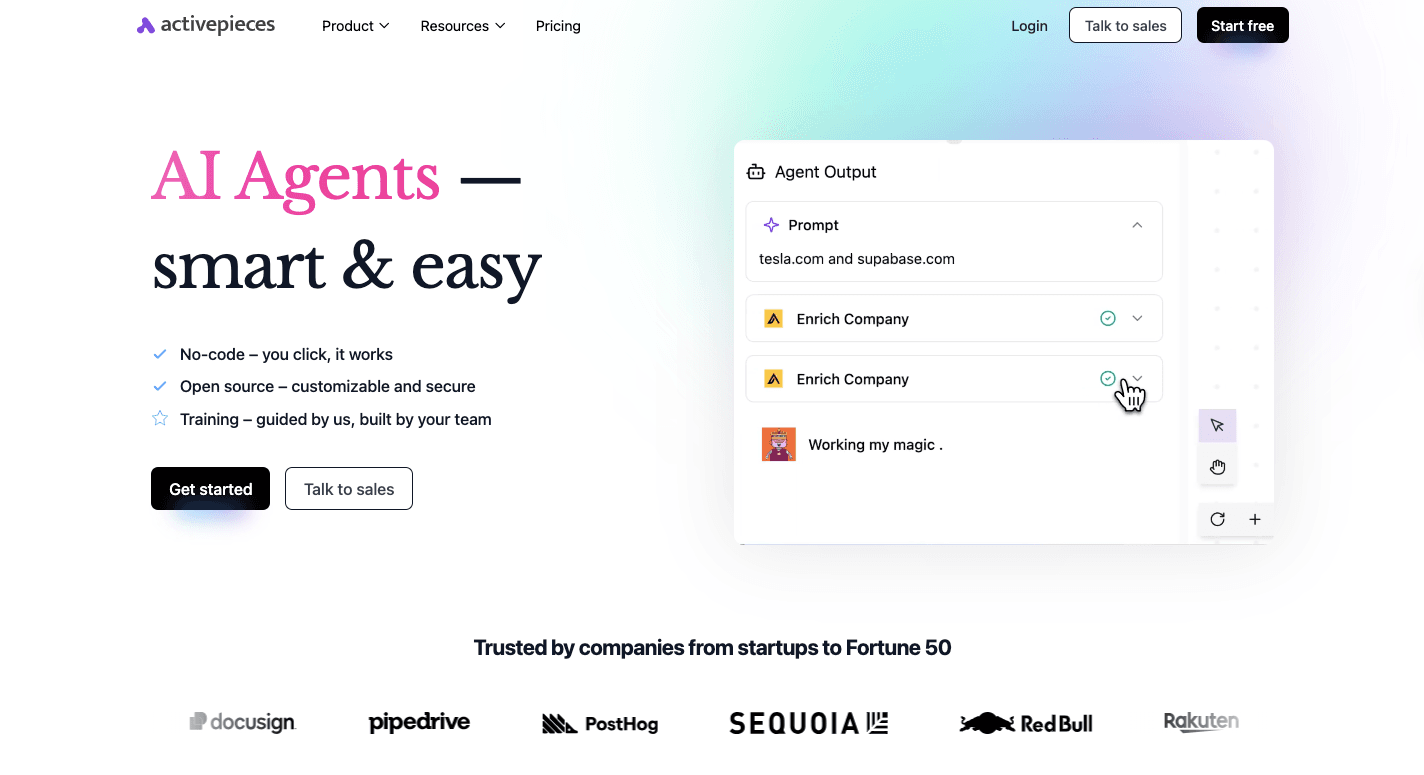
Crush Zapier Workflow Limits With Activepieces
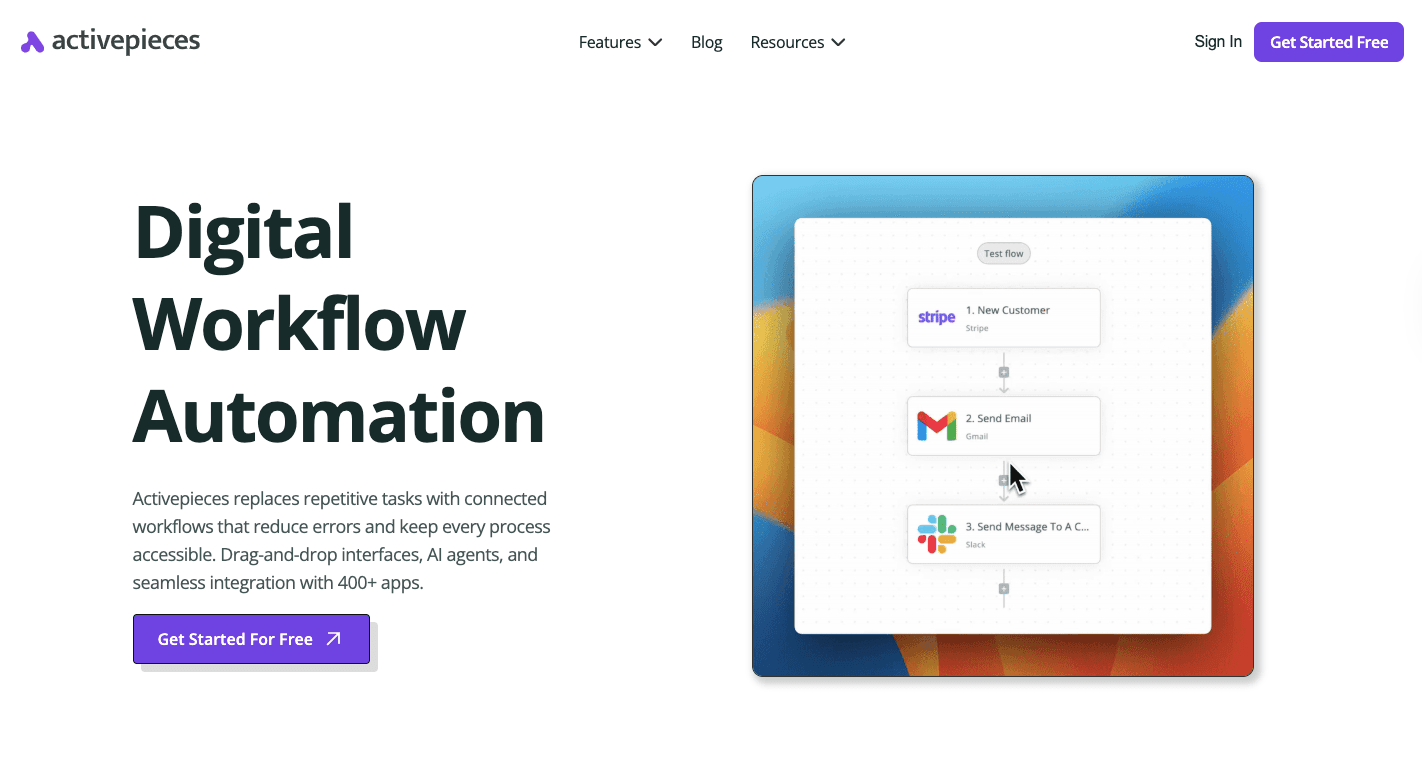
Activepieces removes the headaches that usually push you to look beyond Zapier. Pricing is predictable, so you don't get stuck paying more as your automations grow.
For those who want full control, the open-source edition runs on your own servers with no restrictions at all. That makes it easier for startups to experiment and for enterprises to meet compliance needs.
Workflows aren't locked into a fixed chain of steps either. You can build flows that branch, loop, or pause for approval. "Human-in-the-loop steps" let you insert checks before moving forward. AI agents take this further by analyzing text, summarizing data, or even drafting replies.
Combined with community-built pieces, TypeScript customization for developers, and AI Copilot guidance, Activepieces feels more like a full automation partner for your team.
FAQs About Zapier Workflow Automation
What is workflow automation in Zapier?
Workflow automation in Zapier is the use of its no-code software to connect apps so tasks move automatically between them. It helps teams save time, reduce mistakes, and streamline routine work without needing code.
What are the five things to automate in Zapier?
The most common automations include sending clients updates, syncing form submissions into CRMs, tracking leads, posting notifications in Slack, and managing files, like uploading into Google Drive.
Does Zapier support the tool my team already uses?
Zapier lists every supported app in its public app directory, covering over 8,000 services. Search the app's name there before building a Zap; if it shows a trigger or action, Zapier supports it. If a niche or in-house tool isn't listed, you can often still connect it through a generic webhook or an API request step.
Does Zapier let teams automate workflows without developers?
Yes. Zapier's visual, no-code builder lets non-technical teams create multi-step Zaps using triggers, filters, paths, and templates. Developers are mainly needed for custom API connections, complex webhook setups, or building a brand-new integration from scratch.
What is the best workflow automation tool?
The best software depends on your strategy and needs. Zapier is widely known for its large integration library, while Activepieces is becoming the top choice for AI-driven flows and cost predictability.
What are the three automated workflows?
Three examples are capturing form entries into a spreadsheet, sending break reminders through Slack at set times, and creating calendar events directly from emails.
How can an entire process be automated with one workflow?
You build a flow that starts with a trigger, connects all the apps involved, and runs each step in order. This allows you to cover an entire process with one workflow, which is crucial for saving time and keeping data consistent.
Running the numbers
See what the same workload costs here.
Free forever plan, and every paid plan self-hosts at no extra cost.
See pricing Talk to sales